Diving into smart home automation often feels like stumbling into an engineering conference. You browse an online marketplace or electronics retailer, only to find boxes plastered with competing acronyms: Zigbee, Z-Wave, Thread, Matter, HomeKit, and proprietary hubs. Before long, you have downloaded five different mobile applications, cluttered your Wi-Fi router with twenty smart gadgets, and found yourself yelling at a voice assistant just to turn on a bedside lamp.
It does not have to be this complicated. The secret to building a frictionless smart home is not buying the most complex gadgets—it is choosing interoperable, protocol-agnostic hardware that works silently in the background. In this straightforward starter guide, we lay out a proven three-phase foundation that delivers genuine daily convenience for under two hundred dollars, without requiring an electrical engineering degree.
The Golden Rule: Never Buy Gadgets Trapped in Proprietary App Silos
The single biggest mistake beginners make is purchasing whatever discounted smart plug or bulb is on sale, regardless of brand. Within six months, your phone has a dedicated folder containing eight different smart apps that refuse to speak to one another. Family members get frustrated, automations break when apps update, and your smart home becomes a daily irritation.
To avoid this trap, adopt one non-negotiable buying rule: only purchase devices certified for the universal Matter standard or hardware that natively binds into Apple Home, Google Home, or Amazon Alexa. Matter allows smart devices from different manufacturers to communicate directly over your local network without bouncing requests off private Chinese cloud servers or demanding proprietary bridge hardware.
Understanding the Connection Protocols: Wi-Fi vs. Zigbee vs. Thread
How your devices communicate dictates how reliable your automations will be when the internet drops. Here is how modern protocols compare:
| Protocol | Setup Difficulty | Hub Required? | Local Reliability | Best Use Case |
|---|---|---|---|---|
| Wi-Fi | Easiest (Direct Connection) | No Hub Needed | Moderate (Depends on home router) | Smart Plugs, Video Doorbells, Cameras |
| Thread (Matter) | Very Easy (Mesh Network) | Requires Thread Border Router | Extremely High (Ultra-fast mesh) | Smart Light Bulbs, Contact Sensors, Door Locks |
| Zigbee | Moderate | Dedicated Hub Required | High (Independent radio mesh) | Extensive Whole-Home Sensor Networks |
Phase 1: The $100 Lighting and Power Foundation
Start small where you will feel the immediate daily impact: automated lighting and power control.
- Matter-Certified Smart Plugs (Kasa or Eve Energy): Plug your coffee maker, desk lamps, or living room floor lamps into smart plugs. You can schedule them to turn on fifteen minutes before your morning alarm or shut off automatically when everyone leaves the house.
- Smart Tunable White Bulbs (Philips Hue or Nanoleaf Essentials): Avoid rainbow RGB novelties at first; focus on tunable white light. Set cool energizing daylight (4000K) for daytime productivity, and transition automatically to warm amber light (2200K) after sunset to prepare your circadian rhythm for restorative sleep.
Phase 2: Climate and Comfort Automations
Once your lighting is dialed in, move to environmental automations that pay for themselves through energy efficiency:
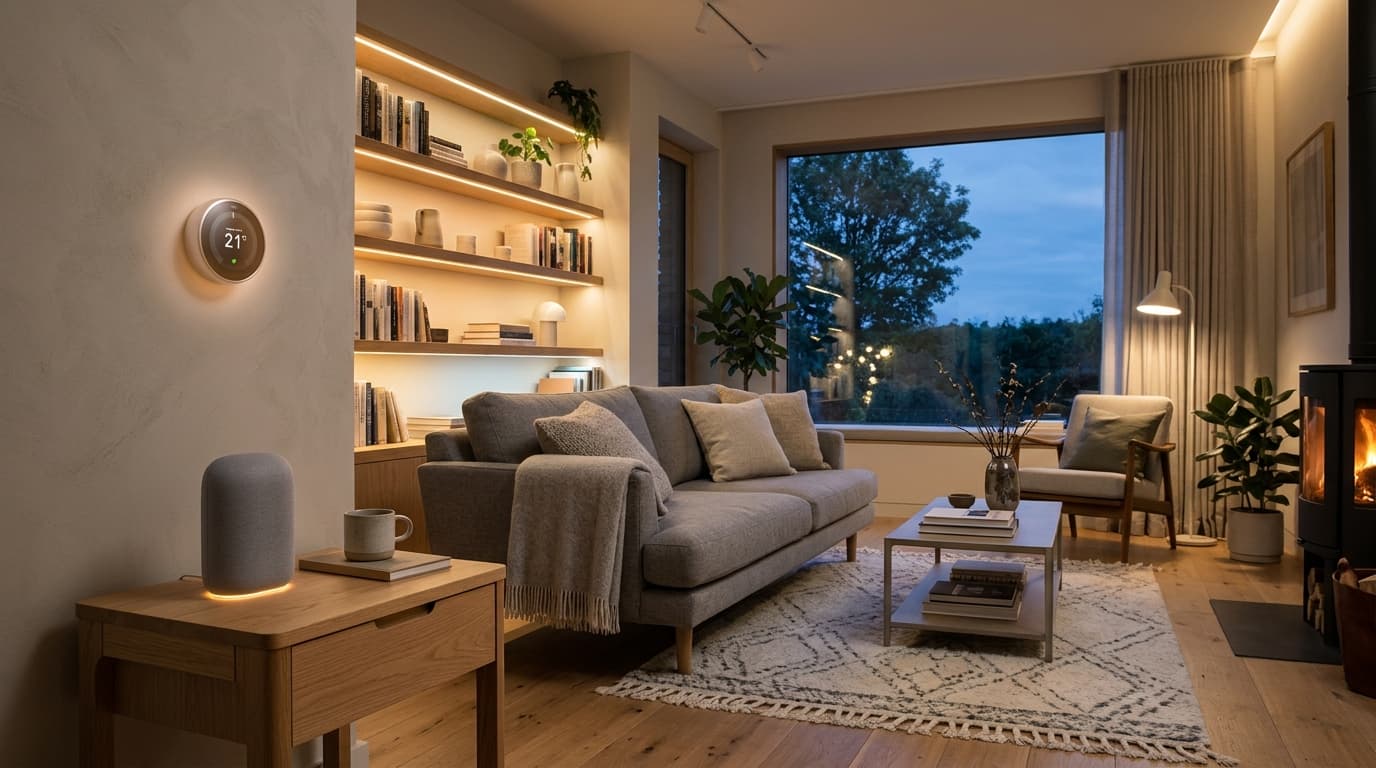
- Smart Thermostat (Ecobee Smart Thermostat Premium or Google Nest): Replacing a manual wall dial with a smart thermostat prevents heating or cooling an empty house. Paired with remote room sensors, it ensures your home office stays at the ideal temperature during work hours while ignoring unoccupied spare bedrooms.
- Door and Window Contact Sensors (Aqara or Eve Door & Window): Tiny magnetic sensors mounted on exterior doors or refrigerator doors. They can send a smartphone notification if the backdoor remains unlatched after 10 PM or pause the AC if a patio window stays open for more than three minutes.
Phase 3: Front Door Security and Peace of Mind
The final piece of a practical beginner smart home is modernizing your front entryway:
- Smart Video Doorbell (Reolink or Eufy Battery Doorbell): Choose video doorbells that feature local microSD or network storage to avoid mandatory $5-to-$10 monthly cloud subscription fees. They deliver crisp two-way audio and package detection notifications whenever deliveries arrive.
- Keyless Smart Deadbolt (Schlage Encode Plus or Ultraloq): Replace your physical deadbolt with a keypad and NFC-enabled lock. Tap your smartphone or Apple Watch against the lock face to enter effortlessly when carrying heavy grocery bags, and generate temporary pin codes for visiting guests.
Three Easy Automations Every Beginner Should Enable on Day One
To experience the genuine magic of a smart home without touching your phone, program these three foundational routines in your primary smart home app:
- The 'Goodnight' Routine: At 11:00 PM, or whenever you say 'Goodnight', all main floor lights extinguish, exterior doors confirm deadbolts are locked, the thermostat sets to sleep mode (67°F), and bedroom lamps dim to ten percent warm glow.
- The 'Leaving Home' Geofence Trigger: When the last family member's phone leaves a 500-foot geofenced perimeter around the house, all interior lights shut off, smart plugs isolate standby electronics, and security notifications arm automatically.
- Gentle Sunrise Wakeup: Thirty minutes before your morning alarm rings, bedside lights slowly brighten from one percent to eighty percent over twenty minutes, easing you out of deep sleep naturally without jarring alarm sounds.