If an attacker steals or guesses your password from an old website breach, Two-Factor Authentication (2FA) is the safety gate keeping them locked outside your email, bank, and cloud photo archive. Yet not all two-factor methods defend equally well. Relying solely on six-digit SMS text messages leaves your accounts vulnerable to SIM-swap social engineering, carrier hijacks, and real-time phishing proxy pages.
Hardening your logins does not require paranoid complexity or an IT degree. By moving critical accounts off SMS text codes onto cloud-backed authenticator apps and affordable hardware keys—while storing backup recovery codes offline cleanly—you close off 99% of common automated account takeovers.
Comparing Everyday 2FA Security Tiers
| 2FA Method | Phishing Protection | SIM-Swap Immunity | Recovery Convenience | Best Account Tier |
|---|---|---|---|---|
| SMS Text Message Codes | None (vulnerable to fake login forms) | No (carrier hijack risk) | Easy (uses phone number) | Only sites offering nothing better |
| TOTP Authenticator App (Ente / 2FAS / Bitwarden) | Low–Medium (user must check URL) | Yes | High if encrypted cloud sync enabled | Shopping, social, forums, standard SaaS |
| Synced Passkeys (FIDO2) | Very High (domain-bound cryptographically) | Yes | Seamless across signed-in devices | Everyday logins supporting Passkeys |
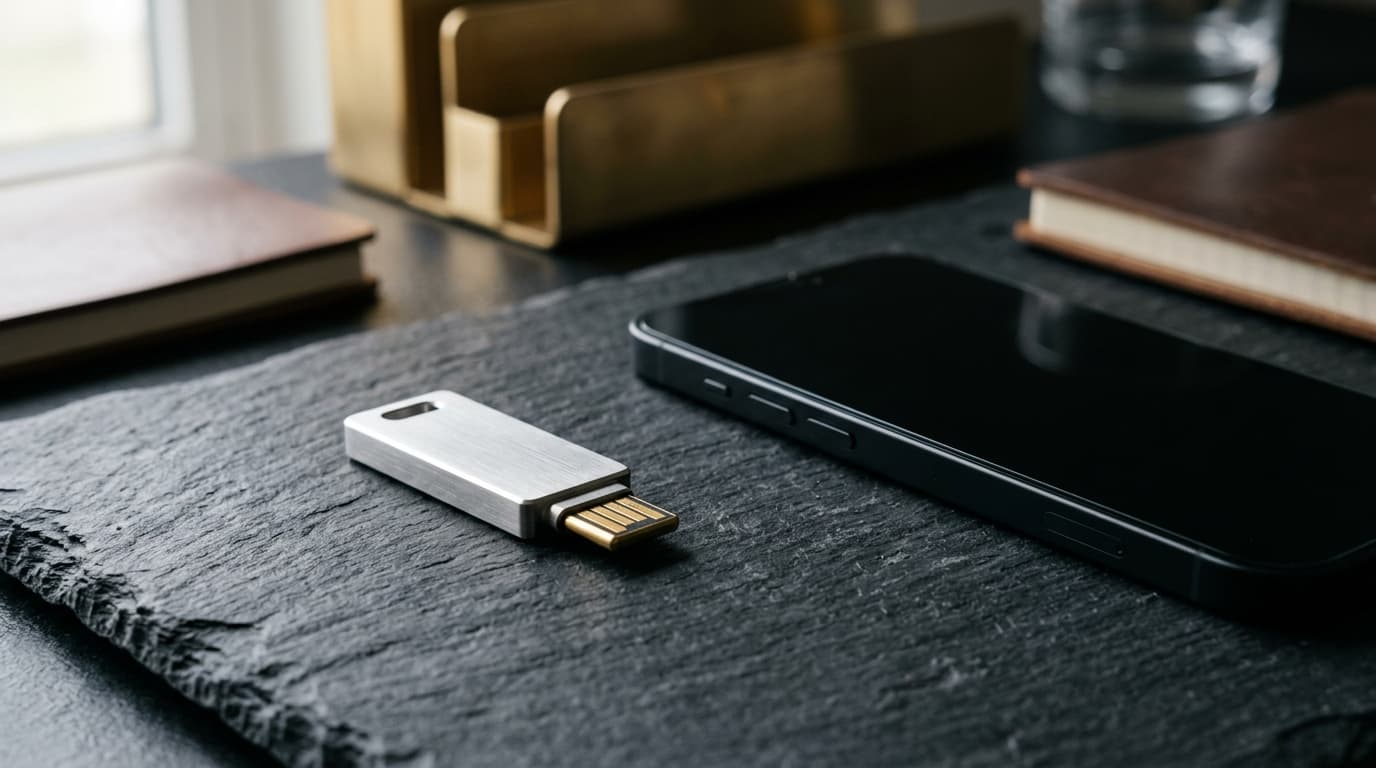
| Physical Hardware Keys (YubiKey / SoloKey) | Maximum (immune to fake domains) | Yes | High when two backup keys registered | Primary email, password manager, banking & crypto |
Step-by-Step Blueprint to Lock Down Your Accounts
Step 1: Protect Your Primary Email & Password Manager First
Think of your main Gmail, Outlook, or iCloud inbox as the master key to every other account you own—anyone inside your email can trigger 'Forgot Password' resets everywhere else. Upgrade your primary email and your password manager first using either two hardware security keys (such as YubiKey 5C NFC) or a FIDO2 passkey, removing SMS phone recovery wherever the service allows.
Step 2: Pick an Authenticator App With Encrypted Backup
One major trap beginners make with basic offline authenticator apps is dropping or losing their phone—and suddenly getting locked out of twenty services forever. Choose an open, encrypted-sync authenticator such as Ente Auth, 2FAS, or Bitwarden Authenticator. All three generate standard 6-digit TOTP codes completely offline while syncing an end-to-end encrypted vault copy across your devices.
- Audit Top 10 Accounts: Start with primary email, password vault, Apple/Google Account, banks, GitHub/work portals, and primary social profiles.
- Remove Legacy SMS Where Optional: Once your TOTP app or hardware key tests cleanly, delete phone-number SMS as an active login bypass method inside account security panels.
- Print or Store Recovery Codes Offline: Every site prints 8 to 10 one-time emergency backup codes during 2FA setup—save them printed inside a safe drawer or encrypted password vault note, never inside an unencrypted email draft.
- Always Register a Spare Key: If choosing physical hardware keys, buy two identical keys, register both during setup, and lock the spare key safely at home.
Security Principle: Never save your 2FA TOTP seeds inside the exact same login session protected solely by that 2FA—otherwise, losing access to one device creates an unbreakable circular lockout.
Step 3: Watch Out for Common Social-Engineering Bypass Tricks
Enabling 2FA dramatically lowers takeover odds, yet attackers regularly bypass weak 2FA setups through MFA fatigue bombing (pushing dozens of late-night phone approval popups hoping you tap Yes half-asleep) or convincing lookalike domain emails tricking you into typing a live 6-digit TOTP code into a phishing mirror. Never blindly tap an unexpected login prompt you did not initiate ten seconds ago, and use hardware FIDO2 passkeys wherever offered because they refuse to sign cryptographic challenges on fake lookalike URLs.
Review your cellular carrier PIN lock too: even if one quirky bank still insists on legacy SMS text codes, adding a port-out freeze and strong account PIN with your mobile carrier raises a thick wall against unauthorized SIM swaps.