Almost everyone carries an unwritten set of charging rituals. Perhaps you frantically yank your phone off the charger the moment it hits one hundred percent, or maybe you let your battery deplete completely until the screen goes black once a month because an older relative told you it 're-calibrates the memory'. In consumer tech folklore, few subjects inspire as much superstition, anxiety, and outdated advice as smartphone battery health.
The tragedy of these habits is that most of them originated in the 1990s during the era of Nickel-Cadmium (NiCd) and Nickel-Metal Hydride (NiMH) rechargeable cells. Modern smartphones use sophisticated Lithium-Ion (Li-ion) and Lithium-Polymer (LiPo) chemistries managed by intelligent Power Management Integrated Circuits (PMICs). Let us dismantle the most prevalent battery myths once and for all using real electrochemical facts.
Myth 1: Leaving Your Phone Plugged In Overnight Overcharges and Destroys the Battery
This is easily the most widespread fear among consumers. People imagine electricity continuously forcing itself into an already full battery like water spilling over the brim of an overflowing bucket, cooking the interior electrodes.
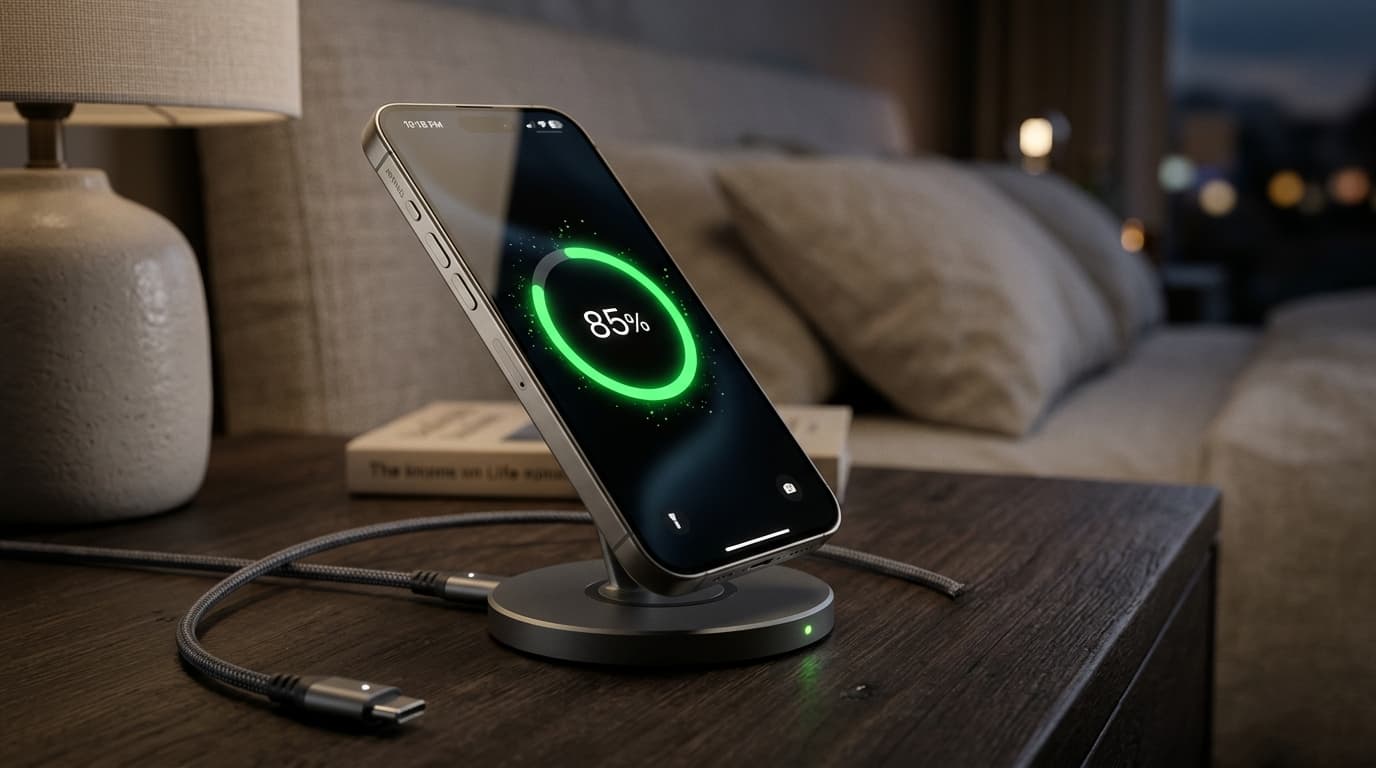
The Reality: It is physically impossible to overcharge a modern certified smartphone. The charging brick on your wall is not directly connected to the battery cells; instead, an onboard hardware controller mediates every milliamp. Once the battery reaches 100% state-of-charge, the controller mechanically cuts off charging current. The phone then runs directly off the wall current, sipping trickle power only when the cell naturally dips to 99.8%.
Modern iOS and Android firmware feature 'Optimized Battery Charging'. The phone learns your daily routine, charges rapidly to 80% while you sleep, and pauses current intake until an hour before your morning alarm, keeping stress on the cathode minimal.
Myth 2: You Must Let Your Battery Drain to 0% Before Charging
Older nickel-based batteries suffered from the notorious 'memory effect'—if you repeatedly recharged them from 30% back to 100%, crystalline structures would form on the plates, causing the battery to remember the 30% threshold and lose capacity. People still believe they must drain their modern iPhones and Galaxies to 0% to keep them healthy.
The Reality: Doing this to a modern lithium-ion battery is actively harmful. Deep discharges to zero percent exert immense mechanical strain on the cobalt-oxide electrodes and risk copper shunt formation, which permanently degrades capacity. Lithium-ion batteries prefer shallow charge cycles. Plugging in at 30% and unplugging at 80% causes far less chemical wear than cycling between 0% and 100%.
Myth 3: Fast Charging (65W to 120W) Burns Out Your Battery in Months
With flagship phones now shipping with 65W, 80W, or even 120W charging bricks that can juice a phone from flat to full in twenty minutes, skeptical users fear their battery longevity is being sacrificed on the altar of speed.
The Reality: Fast charging does generate heat, and sustained thermal stress is indeed the true enemy of lithium cells. However, smartphone engineers have designed dual-cell architectures and split-charge algorithms to bypass this issue entirely. A 100W charging phone actually charges two separate 2,500mAh batteries simultaneously at 50W each, keeping heat within safe tolerances. Furthermore, fast charging only operates at peak wattage during the first 0% to 60% sprint. Once the battery warms up and approaches capacity, the PMIC aggressively throttles current back to gentle charging rates.
Myth 4: Using Your Phone While Charging Ruins the Cell
Some people believe that browsing social media or reading articles while connected to the charger creates 'parasitic loads' that confuse the battery controller and distort calibration.
The Reality: Sending WhatsApp messages, checking email, or reading news while charging is completely harmless. The wall adapter provides enough current to simultaneously power the display, processor, and battery charging circuit. The only caveat is high-performance 3D gaming: running a graphics-heavy title while fast charging generates compound heat from the GPU and charging circuit simultaneously. If the phone gets noticeably hot, remove your protective phone case or pause gaming until charging finishes.
The Real Rules: How to Keep Your Battery Above 85% Health After Two Years
- Avoid High Heat: Never leave your phone on a hot car dashboard in direct sunlight. Sustained temperatures above 35°C (95°F) cause rapid chemical electrolyte breakdown.
- Enable the 80% Limit: If you work at a desk near a charger all day, turn on iOS 18 / Android's 'Limit to 80%' toggle. Operating in the 20% to 80% sweet spot can nearly double the usable lifespan of your cell.
- Use Certified Chargers: You do not need first-party brand chargers, but ensure any third-party brick supports standard USB Power Delivery (USB-PD) from reputable manufacturers like Anker, Ugreen, or Belkin.
- Do Not Store at 0% Long Term: If putting an old backup phone into a drawer, charge it to 50% first and turn it off. Storing a dead battery will eventually trip its internal under-voltage safety circuit, rendering it permanently unchargeable.