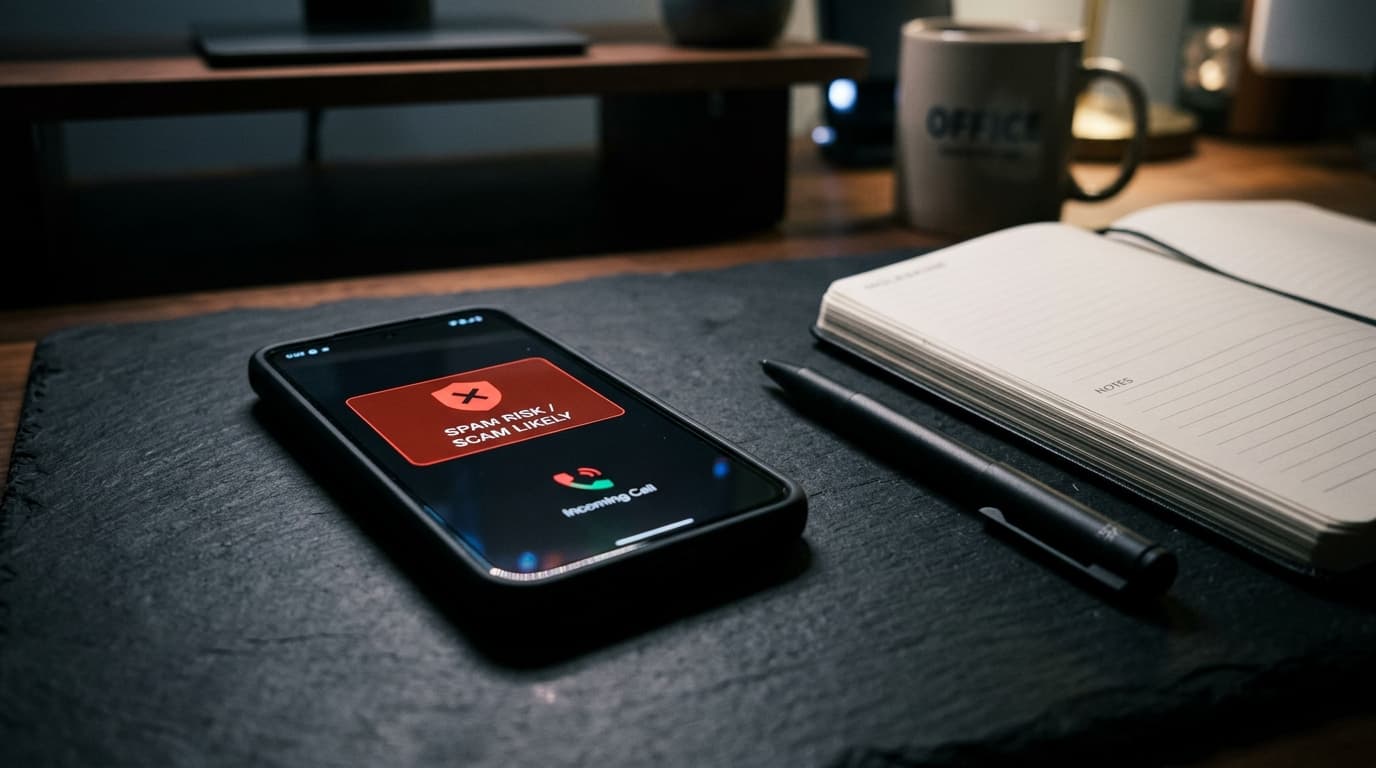
There was a time when your smartphone's primary function—making and receiving voice telephone calls—was an enjoyable convenience. Today, hearing your phone ring is more likely to inspire dread than anticipation. Billions of automated robocalls, deceptive solar panel pitches, fake tax authority threats, and localized 'neighbor spoofing' scams bombard mobile numbers around the globe daily, turning personal telephone numbers into hostile, noisy environments.
The reason spam calls have exploded over the past decade is economic: VoIP (Voice over Internet Protocol) technology allows offshore call centers to dial hundreds of thousands of numbers per minute for fractions of a penny. Furthermore, criminal spammers weaponize Caller ID spoofing—faking the area code and prefix of your own neighborhood so you mistake the call for a local doctor's office or delivery courier. To regain your peace of mind, you must deploy a multi-layered defense strategy.
Layer 1: Activate Carrier-Level Network Call Shields (Free)
The most effective place to stop a spam call is before it ever reaches your device's cellular antenna. Telecommunication carriers inspect network-level metadata and STIR/SHAKEN cryptographic digital signatures to identify spoofed numbers. Major carriers offer robust, completely free spam blocking apps that most subscribers never activate:
- T-Mobile / Metro: Dial #662# directly into your phone dialer app and press call. This instantly turns on 'Scam Block' at the network switchboard, dropping high-confidence scam calls before your phone even rings. You can also download the free T-Mobile Scam Shield app.
- AT&T / Cricket: Download the free AT&T ActiveArmor app. Enable 'Spam Call Blocking' to automatically send fraud calls directly to voicemail.
- Verizon: Download the free Verizon Call Filter app. Set your filter threshold to block high-risk and medium-risk spam callers automatically.
Layer 2: Master Built-In Android and iPhone System Filters
Both major smartphone operating systems have introduced aggressive, intelligent call filtering tools directly into their dialer software:
On Android (Google Pixel, Samsung Galaxy, and Modern Android Devices):
- Open the Phone dialer app > Tap the three-dot menu icon in the top right > Settings.
- Tap 'Caller ID & Spam' > Toggle on 'See caller and spam ID' and 'Filter spam calls'. This automatically mutes suspected scam calls so your screen never lights up.
- Google Pixel Call Screen: On Pixel hardware, tap 'Call Screen'. Set Protection Level to 'Maximum'. Google Assistant will answer unknown callers, ask who is calling and why, and provide a real-time transcript on your screen before deciding whether to ring you.
On iPhone (iOS 17 and iOS 18):
- Silence Unknown Callers: Navigate to Settings > Phone > Silence Unknown Callers. When enabled, calls from numbers not found in your Contacts, recent outgoing calls, or Siri Email Suggestions are automatically muted, sent to voicemail, and displayed in your Recents list.
- Live Voicemail: Navigate to Settings > Phone > Live Voicemail. When an unknown number calls, your iPhone answers and transcribes the caller's message in real time on your lock screen. If it is a legitimate doctor or delivery driver, you can pick up the call mid-message.
Layer 3: Register on National 'Do Not Call' Registries
While criminal syndicates in foreign countries ignore legal registries, registering your phone number on national registries (such as the US FTC's donotcall.gov or equivalent national registries in the UK, Canada, and Australia) legally blocks legitimate commercial telemarketers. This immediately eliminates dozens of domestic marketing calls, making it much easier for your automated filters to catch foreign criminal robocalls.
Golden Rule of Spam Defense: Never press any number (e.g., 'Press 1 to speak with an agent, press 9 to be removed from this list'). Pressing a button signals to the robocall server that your number is actively monitored by a live human, causing them to sell your number to dozens of secondary scam databases.