For more than six decades, the shared secret model—commonly known as the password—has stood as the foundation of digital authentication. In 1961, computer scientist Fernando Corbató introduced the password at MIT's Computation Center so multiple researchers could access independent time-sharing accounts on an IBM 7090 mainframe. At the time, computers occupied climate-controlled university basements and lived behind guarded institutional gates. Today, however, that identical concept protects banking portals, medical records, and cloud ecosystems across billions of consumer endpoints connected to a hostile public internet.
The fundamental flaw of the password is structural: it relies on shared knowledge. You know the secret, and the remote server knows the secret (or at least a cryptographic hash of it). If an attacker intercepts your transmission through a deceptive phishing portal, tricks you into typing it via social engineering, or breaches a poorly configured database table, your identity is compromised. Over eighty percent of confirmed corporate data breaches trace directly back to stolen, reused, or brute-forced credentials. It is against this backdrop that Apple, Google, Microsoft, and the FIDO Alliance have united around a single, irreversible mandate: killing the password entirely in favor of passkeys.
The Cryptographic Machinery: How Passkeys Actually Work
To understand why security researchers view passkeys as an existential threat to online criminals, you have to peel back the user interface. When you create an account on a modern platform supporting passkeys, your device does not generate a memorable string of alphanumeric characters and special symbols. Instead, it leverages public-key cryptography—the exact mathematical framework that has secured financial transactions and SSL web traffic for decades.
Your phone, computer, or hardware security token creates an asymmetric cryptographic key pair containing two distinct components:
- The Private Key: This key never leaves the encrypted, tamper-resistant hardware enclave of your device (such as the Apple Secure Enclave or Android Titan M2 security processor). It cannot be extracted by malware, exported over an unauthenticated cable, or transmitted over the internet.
- The Public Key: This non-sensitive mathematical complement is transmitted across the web and stored openly in the service provider's database (e.g., Google, PayPal, or Amazon). If an adversary breaches the company's servers and steals millions of public keys, they are utterly useless without the corresponding private keys.
When you return to log in, the server sends a unique, single-use mathematical challenge (called a cryptographic nonce) to your browser. Your device uses its private key to generate a digital signature over that challenge and returns the signature. The server verifies the signature using your public key and grants access immediately. At no point during this exchange is any shared secret transmitted across the wire.
Why Passkeys Are Mathematically Immune to Phishing
The single greatest triumph of the FIDO2 standard is origin binding. Consider the classic phishing attack: an attacker sends an urgent text message claiming your bank account is locked, linking to an identical replica website hosted on a lookalike domain such as 'secure-bank-login.com'. If you rely on passwords and SMS two-factor codes, you will instinctively type your credentials, handing complete access to the attacker.
Passkeys eliminate the human element from phishing defenses. Your operating system's browser cryptographically validates the exact web domain before releasing a signature. Even if an attacker perfectly clones a website's visual design, the authenticator refuses to sign the challenge because the domain does not match.
Because the authenticator communicates directly with the operating system's TLS network layer, it evaluates the true domain name of the active browser tab. If you land on 'secure-bank-login.com', your device queries its secure enclave for credentials registered under that exact domain. Finding none, it simply offers no passkeys. You cannot accidentally type, copy-paste, or dictate a passkey to a criminal over the phone because a human readable secret simply does not exist.
Cross-Device Synchronization and the Lost Phone Dilemma
In the early days of hardware tokens (like physical YubiKeys), the chief consumer objection was fear of device loss. If your security key fell into a storm drain or shattered on concrete, recovering access to dozens of personal accounts required arduous identity verification procedures. Modern multi-device passkeys resolve this friction through end-to-end encrypted cloud credential managers.
When you create a passkey on iOS or macOS, it synchronizes securely through Apple iCloud Keychain. On Android or Chrome, it syncs across the Google Password Manager ecosystem. Dedicated cross-platform password managers like 1Password and Bitwarden now also store and synchronize passkeys across Windows, Linux, Android, and Apple hardware simultaneously. If your smartphone falls into the ocean, setting up a replacement phone and logging into your primary cloud account instantly restores your cryptographic keys.
Step-by-Step: How to Transition Your Main Accounts to Passkeys Today
You do not need to wait for passwords to vanish entirely before upgrading your personal security posture. Major consumer services already support native passkeys. Follow this practical blueprint to upgrade your highest-risk accounts:
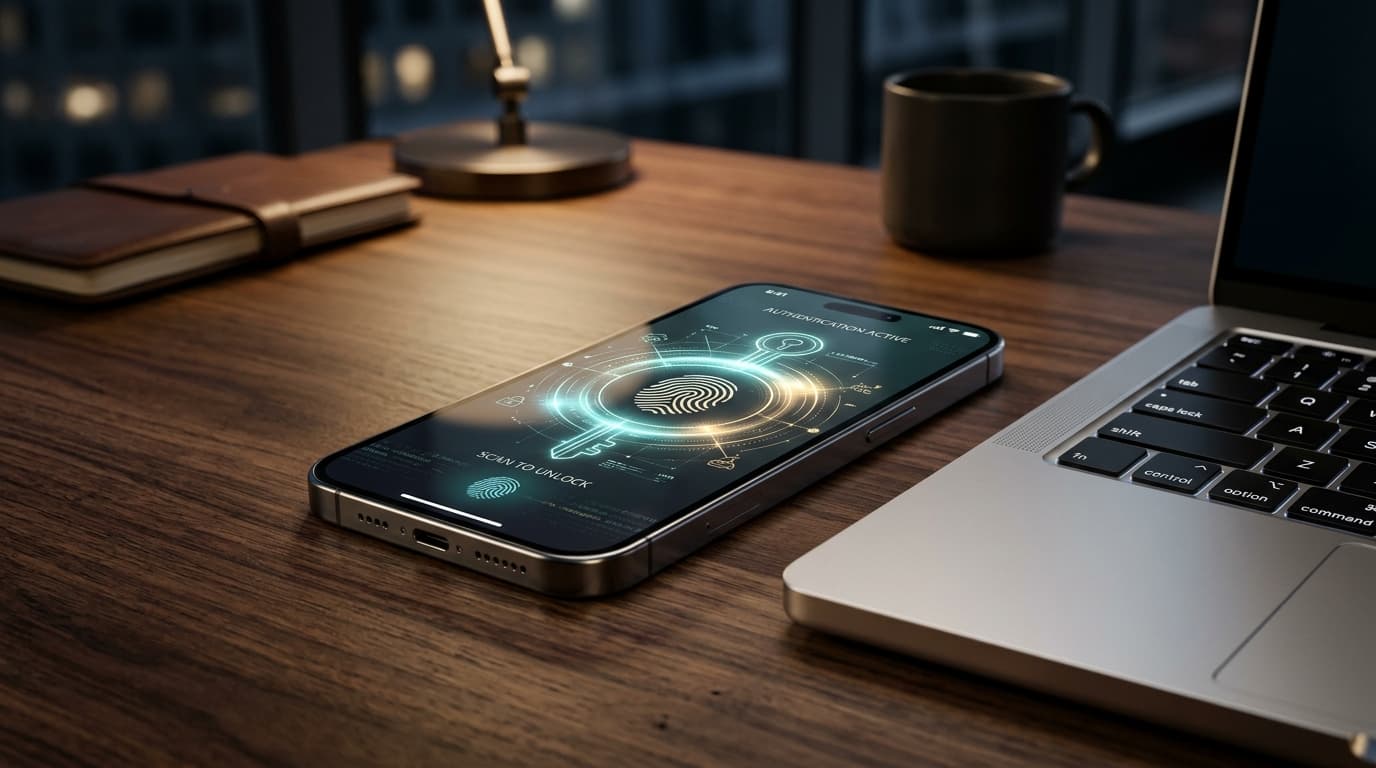
- Upgrade Your Primary Email Account: Visit Google Account Settings > Security > Passkeys and Security Keys. Click 'Create a passkey' and confirm with your device fingerprint or Face ID. Because your primary email controls password resets for all other digital services, securing it with a passkey stops account takeover chains in their tracks.
- Secure Your Apple ID or Microsoft Account: Navigate to your account security portal and select 'Add a new way to sign in or verify'. Choose 'Face ID / Touch ID or Security Key' and confirm the browser prompt.
- Enable Passkeys on Financial Portals: Platforms like PayPal, Robinhood, and modern banking applications support passkey enrollment directly within their mobile apps. Go to Settings > Security > Passkeys to enable biometric sign-in.
- Phase Out SMS Two-Factor Authentication: Once a passkey is active, remove SMS verification where possible. SMS codes remain vulnerable to SIM-swapping attacks, whereas passkeys provide built-in, unphishable two-factor authentication in a single biometric tap.
The transition from passwords to cryptographic passkeys will not happen overnight, but the momentum is irreversible. By replacing fragile human memory with robust mathematical certainty, we are finally stepping into an era where getting phished requires breaking the laws of prime number factorization rather than falling for an urgent email.