Walk through any consumer electronics showroom or scroll modern laptop spec sheets today, and you will notice a relentless marketing blitz. Silicon vendors and computer manufacturers have plastered 'AI PC' badges across every chassis, claiming that without a dedicated neural processing unit, your machine belongs in the digital stone age. But beneath the glossy keynote presentations and inflated buzzwords, what does an AI PC actually do for someone writing documents, compiling spreadsheets, and browsing the web?
The short answer is both reassuring and practical: for roughly eighty percent of everyday computing tasks, an AI PC changes very little about how you operate right now. However, if you edit high-resolution video, run local speech-to-text transcriptions, or demand absolute privacy for internal enterprise workflows, the underlying architecture represents the most significant shift in PC design since the dedicated graphics card arrived.
Cutting Through the Jargon: The Three Silicon Engines Inside Modern Computers
To understand why computer makers are obsessing over this term, you have to look at what sits underneath the cooling heat pipes. Traditionally, computers relied on a two-party system: the Central Processing Unit (CPU) and the Graphics Processing Unit (GPU). The CPU acts as the nimble Swiss Army knife—superb at handling sequential math, launching software, and coordinating operating system commands. The GPU acts as a massive industrial freight train—capable of chewing through thousands of parallel matrix calculations simultaneously, making it ideal for rendering video game polygons and training monster neural networks.
The problem with running modern machine learning tasks on a CPU or GPU is thermal appetite. When you ask a discrete graphics chip to run an eye-contact tracking model or isolate voice harmonics during a two-hour Zoom conference, it can easily draw 35 to 60 watts of continuous electricity. Your laptop fans spin up like a jet engine, and your battery percentage evaporates before lunch.
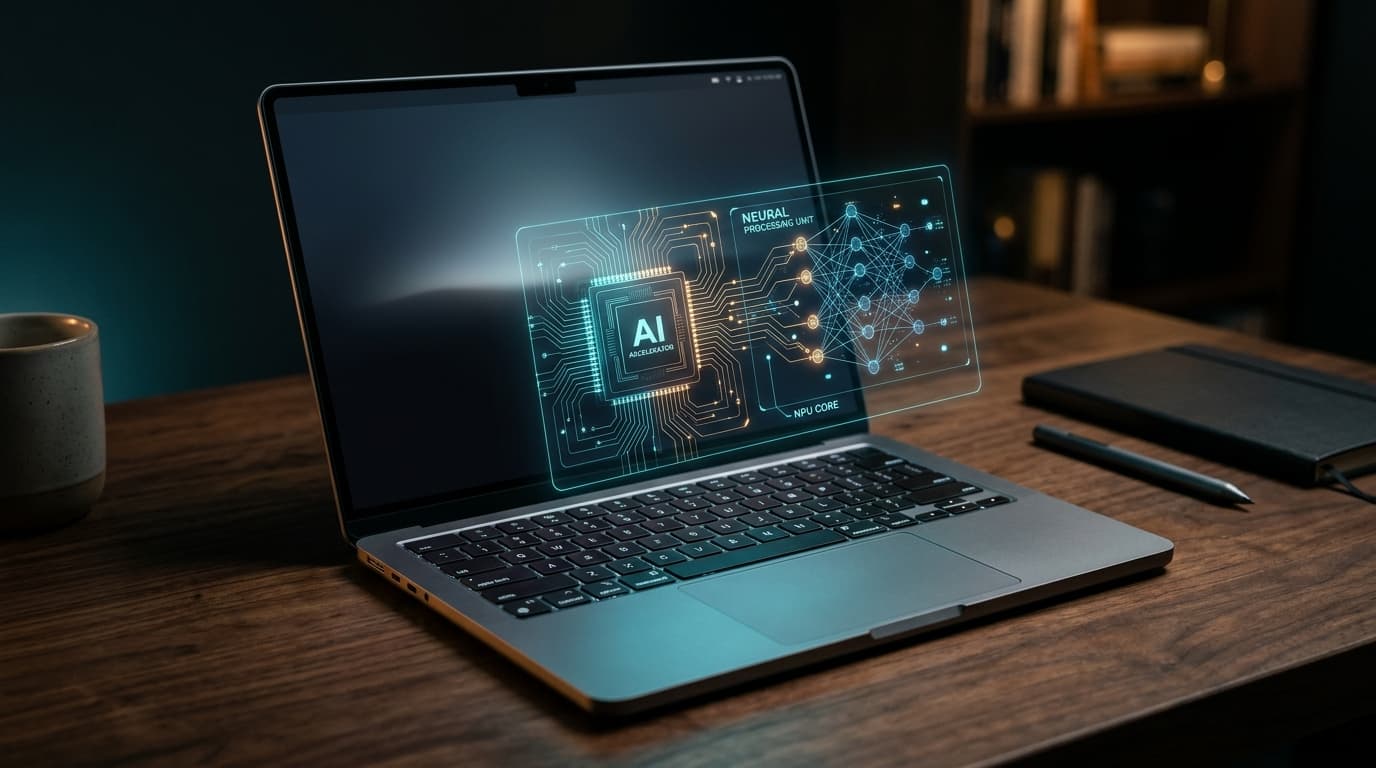
Enter the Neural Processing Unit (NPU). An NPU is a specialized piece of silicon architected exclusively for low-precision tensor operations (typically INT8 and FP16 math). It cannot render complex video game graphics, and it cannot run an operating system kernel. What it can do, however, is execute trained AI models while sipping an astonishingly modest 2 to 5 watts of power. It delivers silent, continuous background machine intelligence without murdering your battery life.
What Can an NPU Actually Accomplish on Your Desk Today?
The biggest hurdle facing the current wave of AI PCs is not hardware capability—it is software adoption. Outside of system-level utilities, mainstream developers are still rewriting applications to leverage direct NPU APIs (like DirectML on Windows and Core ML on macOS). Here are the real-world scenarios where an NPU provides measurable, tangible utility today:
- Zero-Latency Audio Isolation: Running neural noise cancellation filters that scrub barking dogs, construction hammers, and clattering mechanical keyboards from your microphone feed in real time without taxing system responsiveness.
- Local Audio Transcription with Whisper: Transcribing an hour-long recorded meeting or interview into flawless punctuation in under 90 seconds completely offline, avoiding expensive cloud API fees.
- Hardware-Accelerated Creative Effects: Powering instant generative fills, subject-masking brushes, and automatic neural depth maps in photo editing suites while the main CPU stays cool and responsive.
- Live Translation and Captions: Generating real-time subtitles and language translation on streaming video or live foreign-language video calls directly on the system chip.
Cloud AI vs. Local On-Device AI: The Privacy and Latency Factor
When most people talk about artificial intelligence, they are picturing cloud-hosted chatbots like ChatGPT, Claude, or Google Gemini. When you type a query into these platforms, your text travels across thousands of miles of fiber-optic cables to a multi-billion-dollar data center packed with liquid-cooled server racks. That approach works brilliantly for encyclopedic knowledge, but it comes with three stubborn handicaps: latency, recurring subscription costs, and sensitive data leakage.
On-device AI running on an NPU processes everything entirely within your laptop's soldered memory. Your medical documents, financial spreadsheets, and proprietary source code never leave your physical machine. You can draft summaries, transcribe proprietary client calls, and index thousands of local PDFs at 35,000 feet in airplane mode without paying a nickel in monthly API tokens or wondering whether a tech conglomerate is using your trade secrets for future model training.
The Buying Verdict: Should You Buy an AI PC Right Now?
Do not rush out and replace a perfectly capable laptop simply because it lacks an 'AI PC' sticker. If your current machine handles your daily workflow smoothly and delivers acceptable battery longevity, upgrading today will leave you feeling underwhelmed by the modest software ecosystem.
However, if you are naturally due for a new laptop purchase this year, choosing an NPU-equipped processor (such as Intel Core Ultra, AMD Ryzen AI 300 series, or Qualcomm Snapdragon X Elite) is a sensible future-proofing strategy. You will enjoy exceptional battery efficiency during video conferences immediately, and as software developers roll out local AI capabilities over the next two years, your hardware will natively support them without breaking a sweat.